Block YouTube until you walk (iPhone, 2026)
YouTube Shorts is the escape hatch after Instagram and TikTok get locked. A step gate has to include it if that is where the thumb goes next.
Direct answer
brb can block YouTube on iPhone until you hit a daily step goal. Add YouTube to the block list, set the steps, leave Strict Mode on. The whole app — including Shorts — stays locked until Apple Health says you walked. An App Limit you can Ignore still opens Shorts when you want them. Emergency Unlock is five minutes, once a day.
What to do now
- In brb, block YouTube. If Shorts are the loophole, do this the same day you lock TikTok or Instagram.
- Set a hittable step goal from your Health average.
- Turn on Strict Mode.
- Remove a separate YouTube App Limit if it conflicts with brb.
What not to rely on
- Blocking TikTok alone while Shorts stay free.
- An App Limit with Ignore Limit still available.
- Leaving Safari open to youtube.com if that is your bypass.
Why YouTube belongs on the list
When Instagram or TikTok lock, many people bounce to Shorts without thinking. The infinite feed moved apps; the habit did not.
A walk-to-unlock setup that ignores YouTube trains the bounce. Block the escape hatch with the same step rule.
How to lock YouTube with brb
Open brb, choose YouTube, set the daily goal, allow Screen Time and Health. Strict Mode keeps the shield honest until the ring fills.
If you watch long-form for work, keep that tension honest: either accept that YouTube stays locked until you walk, or do not put work-critical tools on the block list. brb is for distracting apps, not your livelihood.
How brb does it
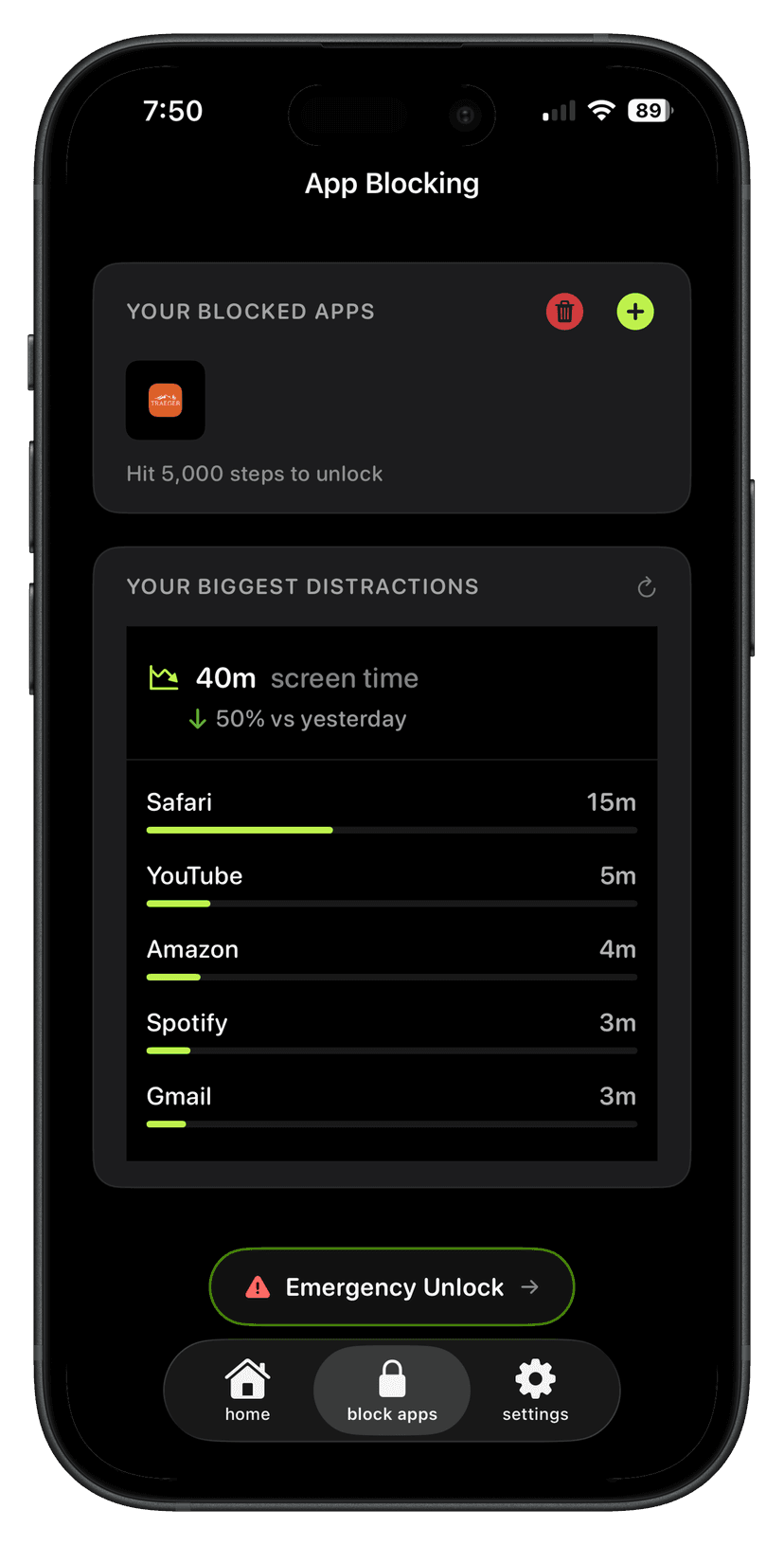
Step 1
Block the apps
Pick the ones that take the time. brb can show them ranked by screen time.
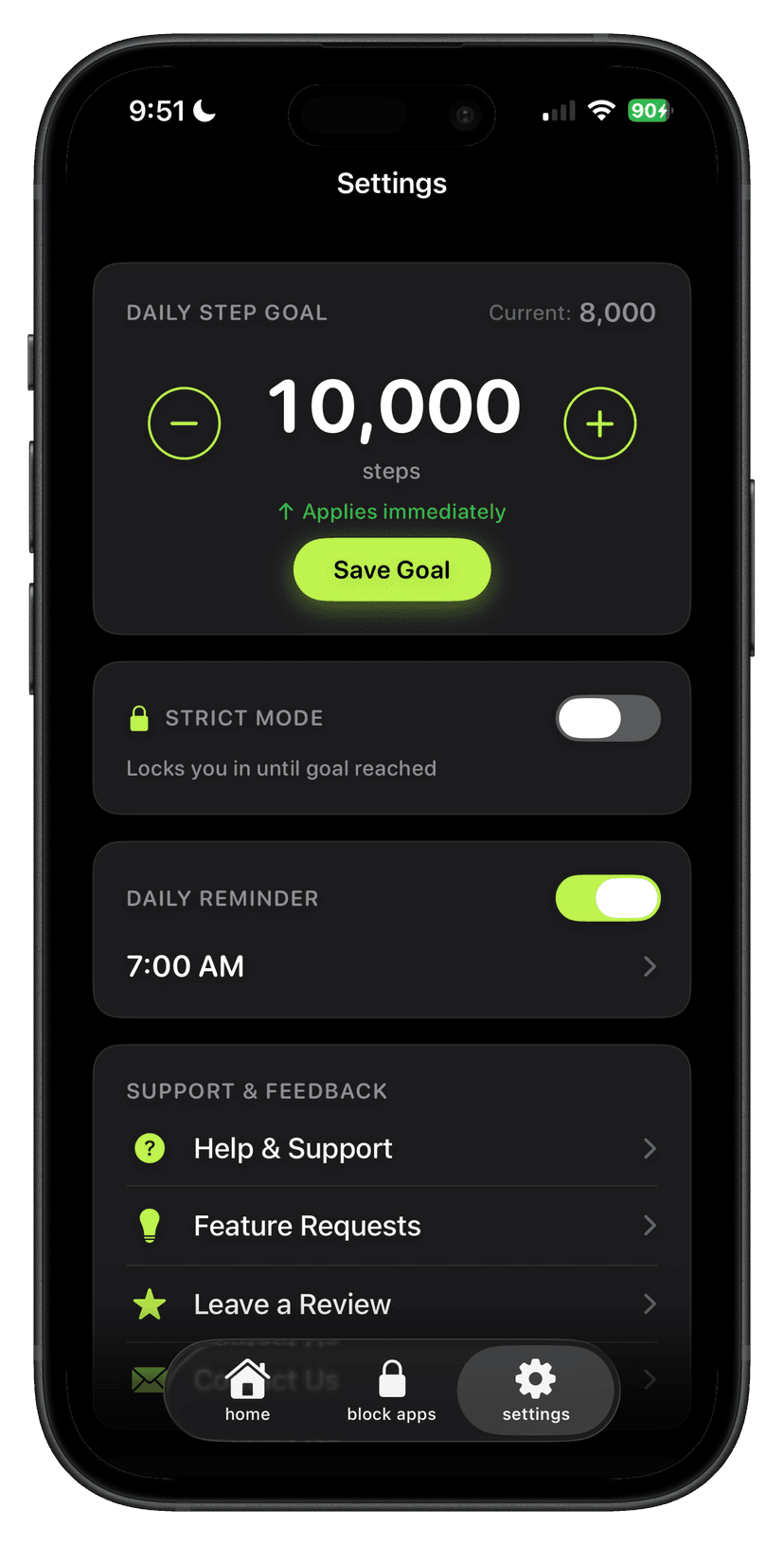
Step 2
Set the step goal
The apps stay locked until that number is real.
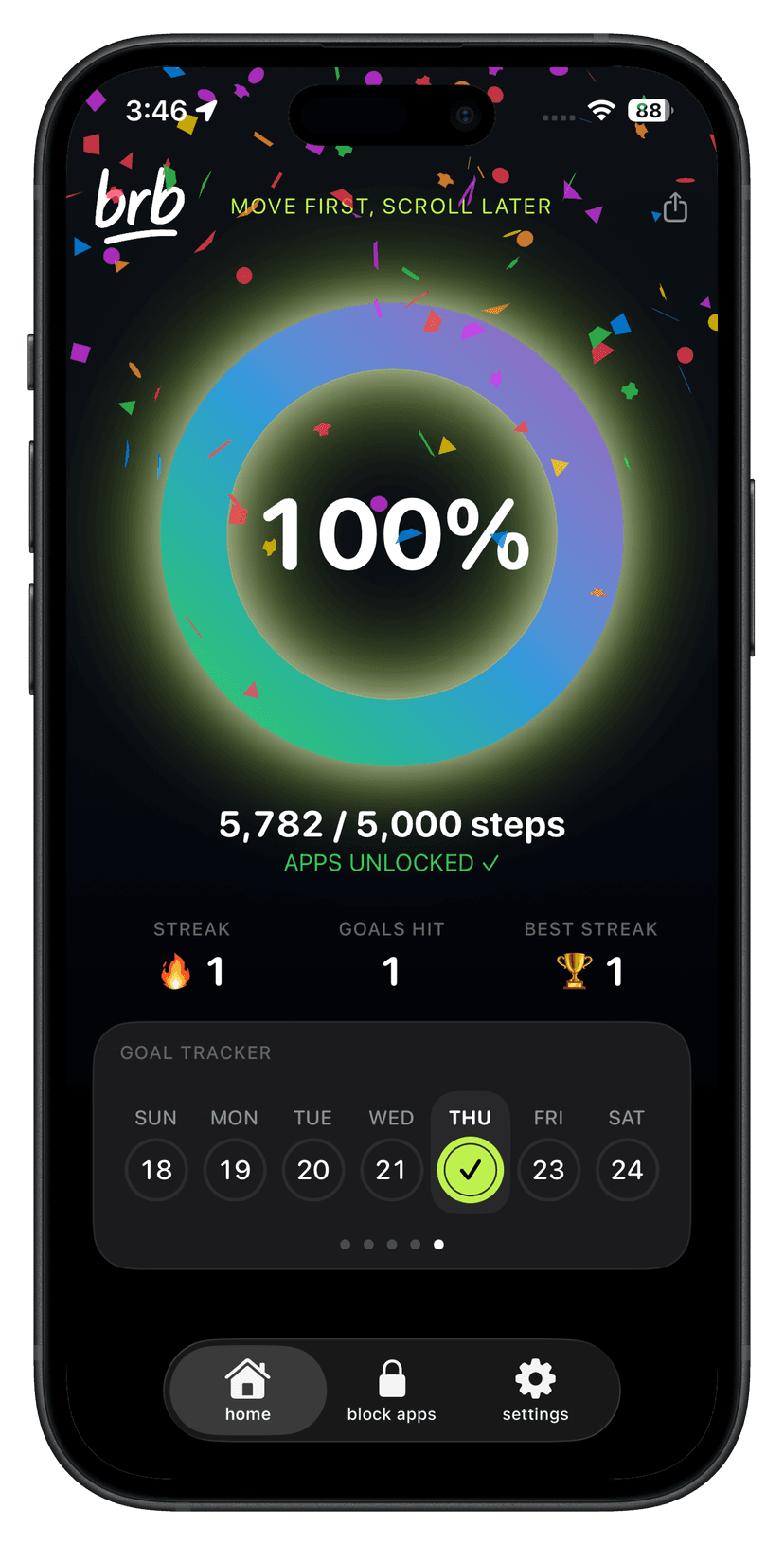
Step 3
Walk to unlock
The ring fills as you move. Hit it and the apps open. Miss it and they stay locked.
Setup checklist
- Block YouTube in brb.
- Pair it with Instagram/TikTok if those are the other feeds.
- Set a hittable goal + Strict Mode.
- Walk first.
Questions
Does blocking YouTube block Shorts?
Yes. Blocking the YouTube app blocks Shorts inside it. Browser access is separate unless you also block that path carefully.
Can I block only Shorts?
brb blocks apps you choose, not a single YouTube surface. If long-form is required for work, keep YouTube off the list and lock the pure social apps instead.
What if I need YouTube urgently?
Emergency Unlock: five minutes, once per day, from Block Apps.